Stress your budget before the risk hits the precept.
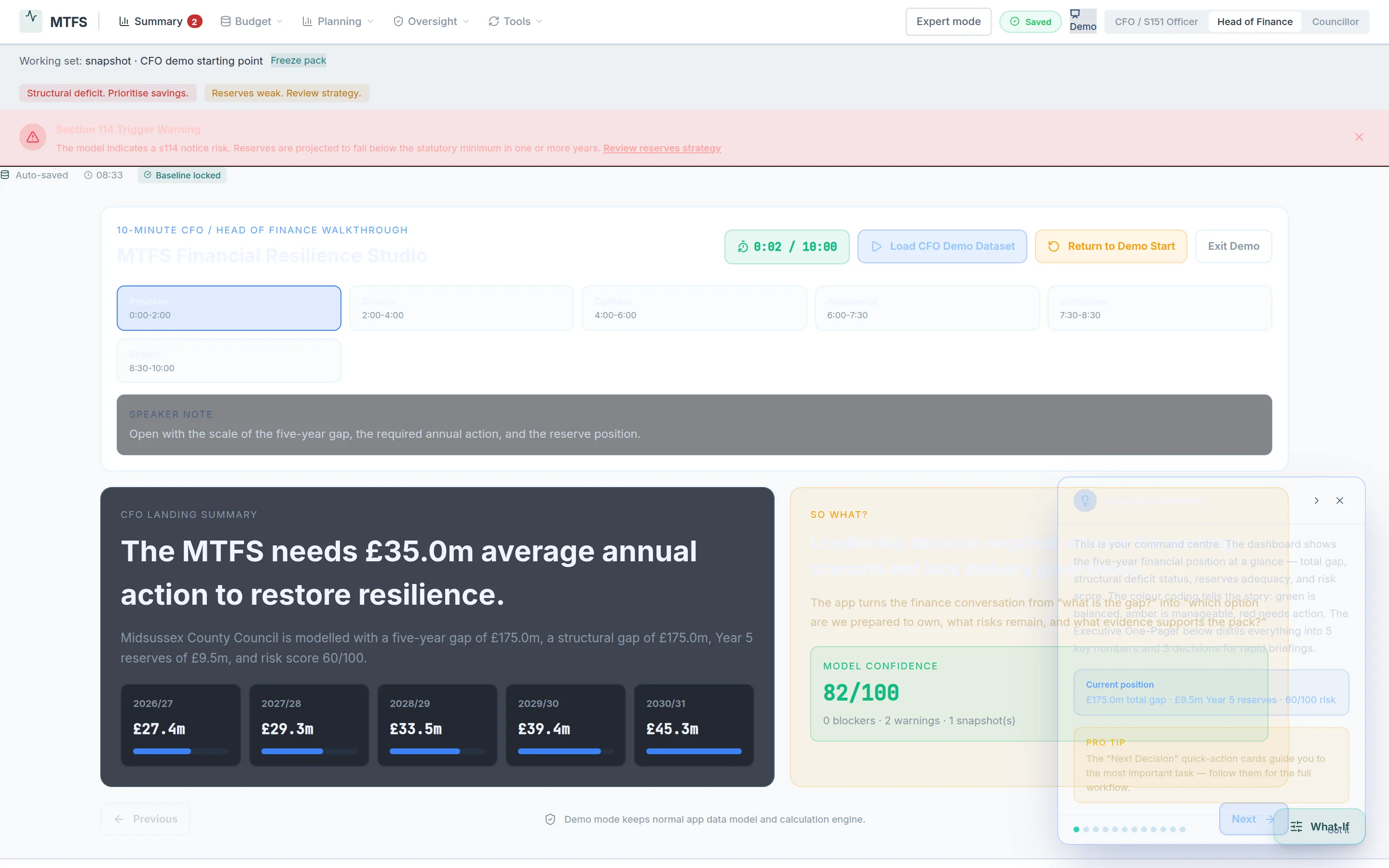
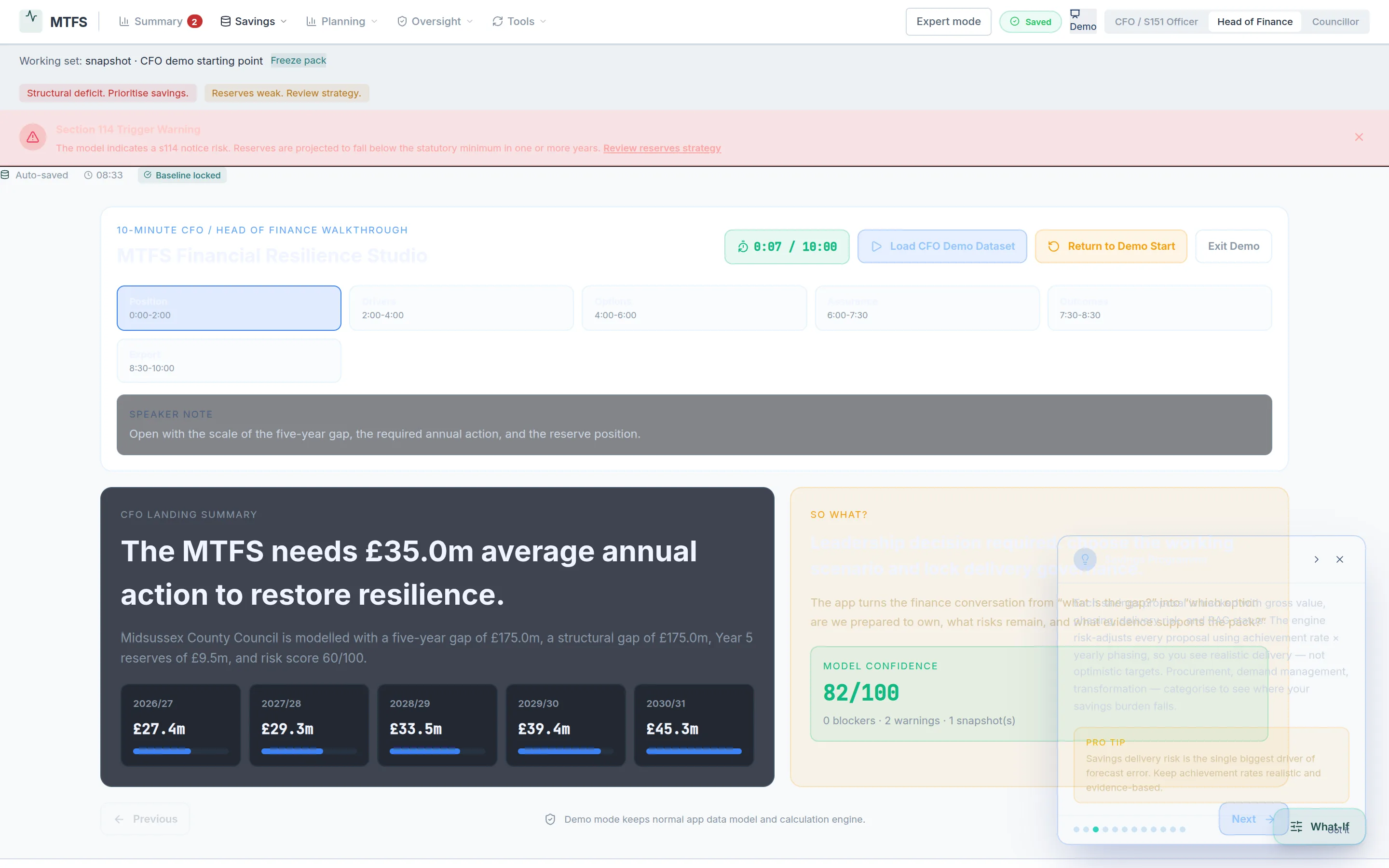
MTFS Studio lets a finance team rehearse the hard years: a demand shock here, an income squeeze there, reserves drawn to the floor — plotted side by side, with the s.25 narrative and the committee pack produced in the same sitting. It supports your Section 25 officer's judgement; it never replaces it.
Runs entirely in your browser on a synthetic council. Try the CFO walkthrough — it loads a full worked example in one click.
This is what you get.
What it answers
"What if the shock lands next year?"
Run demand spikes, income losses or drawdown plans against your baseline and see the five-year paths side by side — before they hit a precept report.
How far from effective failure?
The proximity watch stays on screen: reserves adequacy and the year the floor breaks, on the current plan, in plain view of every scenario.
The pack, not just the numbers
Model assumptions are recorded with author and date, so the s.25 narrative and the audit question "what changed and who said so?" both have an answer.
Start from your own workbook
Bring in budget monitoring exports from Civica, SAP or your five-year spreadsheet; map once, model everywhere. Or explore the synthetic worked example first.
One model, three views
Head of Finance sees the levers, the CFO sees the risk, members see the briefing — from the same numbers, so nobody reconciles versions.
Your judgement, better evidenced
MTFS Studio never signs the s.25 report — it makes sure the officer signing it has already seen the stress paths.
Try it end-to-end in five minutes
Open the demo and pick CFO walkthrough — a synthetic council loads with a structural deficit already flagged. Add a demand shock, watch reserves adequacy and the S114 watch respond, then export the briefing pack and read your own scenario back to yourself as a member would.